


Voici un recueil des derniers thèmes Gnome Shell disponible sur le site DeviantART.
Sommaire
- 1.EleganO
- 2.Minty
- 3.DarkShine
- 4.Ultra
- 5.Vision
- 6.ANewStart
- 7.Rainbow Dash
- 8.Installation des thèmes Gnome Shell
1.EleganO
EleganO est un thème Gnome Shell basé sur le thème Elegance.
é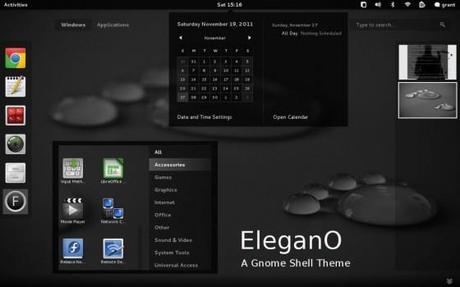
Téléchargement du thème Gnome Shell EleganO
2.Minty
Minty est un thème Gnome Shell with reprenant la charte Graphique de la distribution Linux Mint.
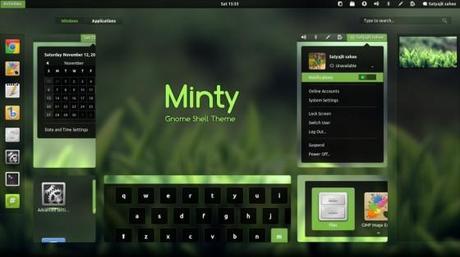
Téléchargement : Thème Gnome Shell Minty
3.DarkShine
DarkShine est un thème Gnome Shell sombre inspiré du thème Shine.
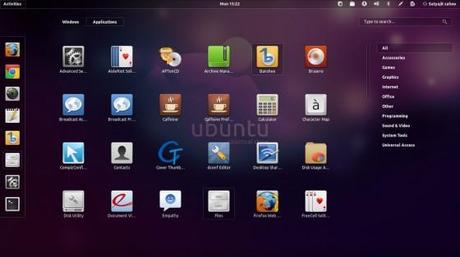
Téléchargement : Thème Gnome Shell DarkShine
4.Ultra
Ultra est un thème Gnome Shell sombre inspiré d’un fond d’écran nommé Ultra-2.
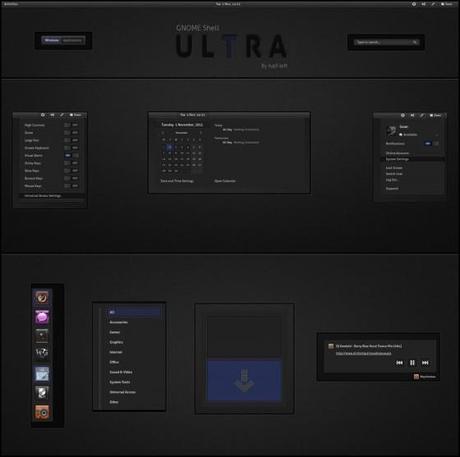
Téléchargement : Thème Gnome Shell Ultra
5.Vision
Vision » est un thème Gnome Shell qui est inspiré du thème ULTRA présenté ci-dessus et utilisant les icônes AwOken 2.3 et les polices Ubuntu.
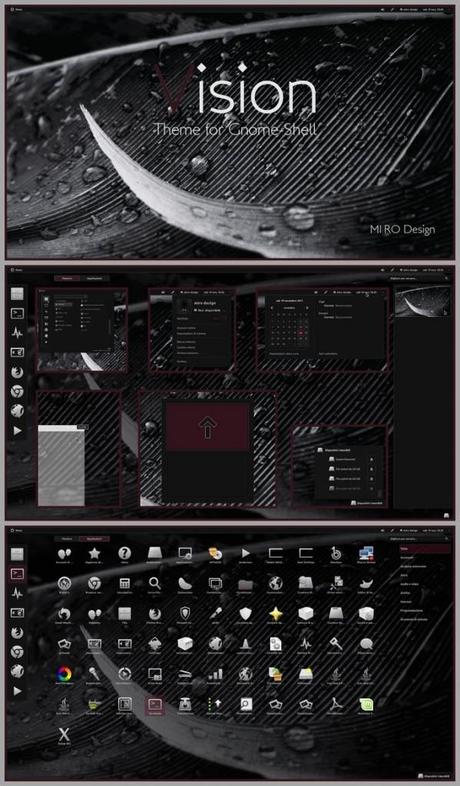
Téléchargement : Thème Gnome Shell Vision
6.ANewStart
AnewStart est un Thème Gnome Shell basé sur la suite ANewStart.
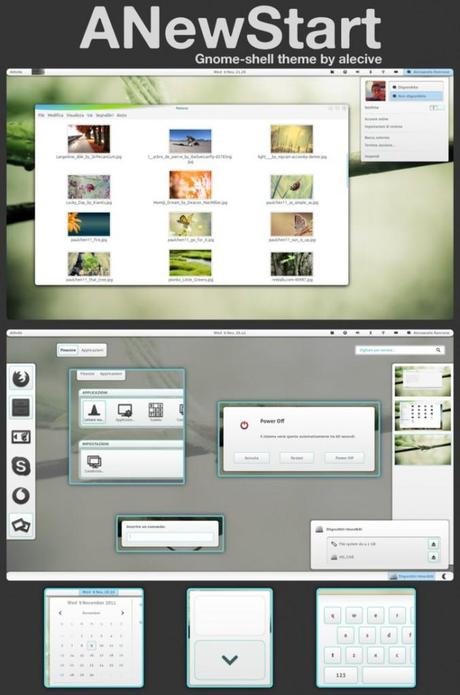
Téléchargement : Théme Gnome Shell ANewStart
7.Rainbow Dash
Le thème Rainbow Dash est un thème Gnome Shell hyper coloré et plutôt sympathique.
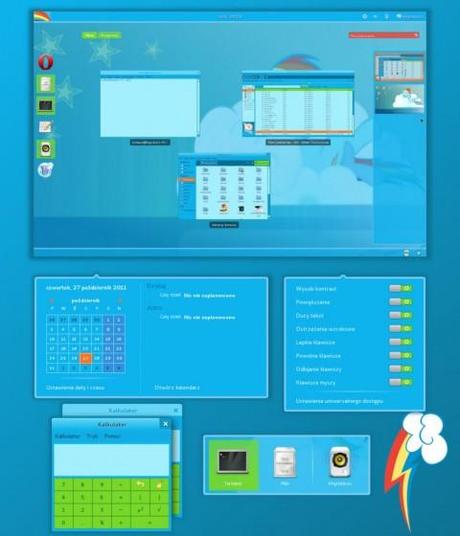
Téléchargement : Thème Gnome Shell Rainbow Dash
8.Installation des thèmes Gnome Shell
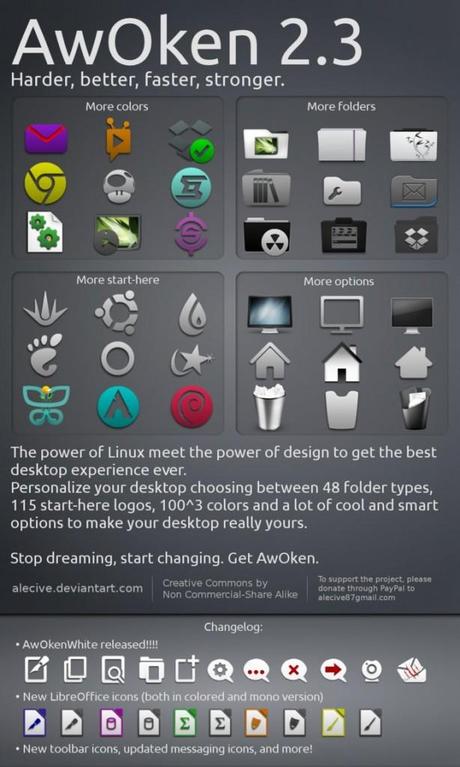
Comme pas mal de thème utilise les icones Awoken voici la procédure pour les installer :
sudo add-apt-repository ppa:alecive/antigone
sudo apt-get update
sudo apt-get install awoken-icon-theme
awoken-icon-theme-customization
La dernière commande est optionnelle car elle permet de créer un pack d’icone en utilisant les différents packs.
Installation d’un thème Gnome Shell
- Télécharger les archives et décompresser la dans le répertoire ~/.themes
- Lancer Gnome-Tweak Tool et aller dans la section Theme
- Selectionner Vision dans la liste « Shell theme »







 Jeu de briques
 Snake
Snake Pacman
 Bubble